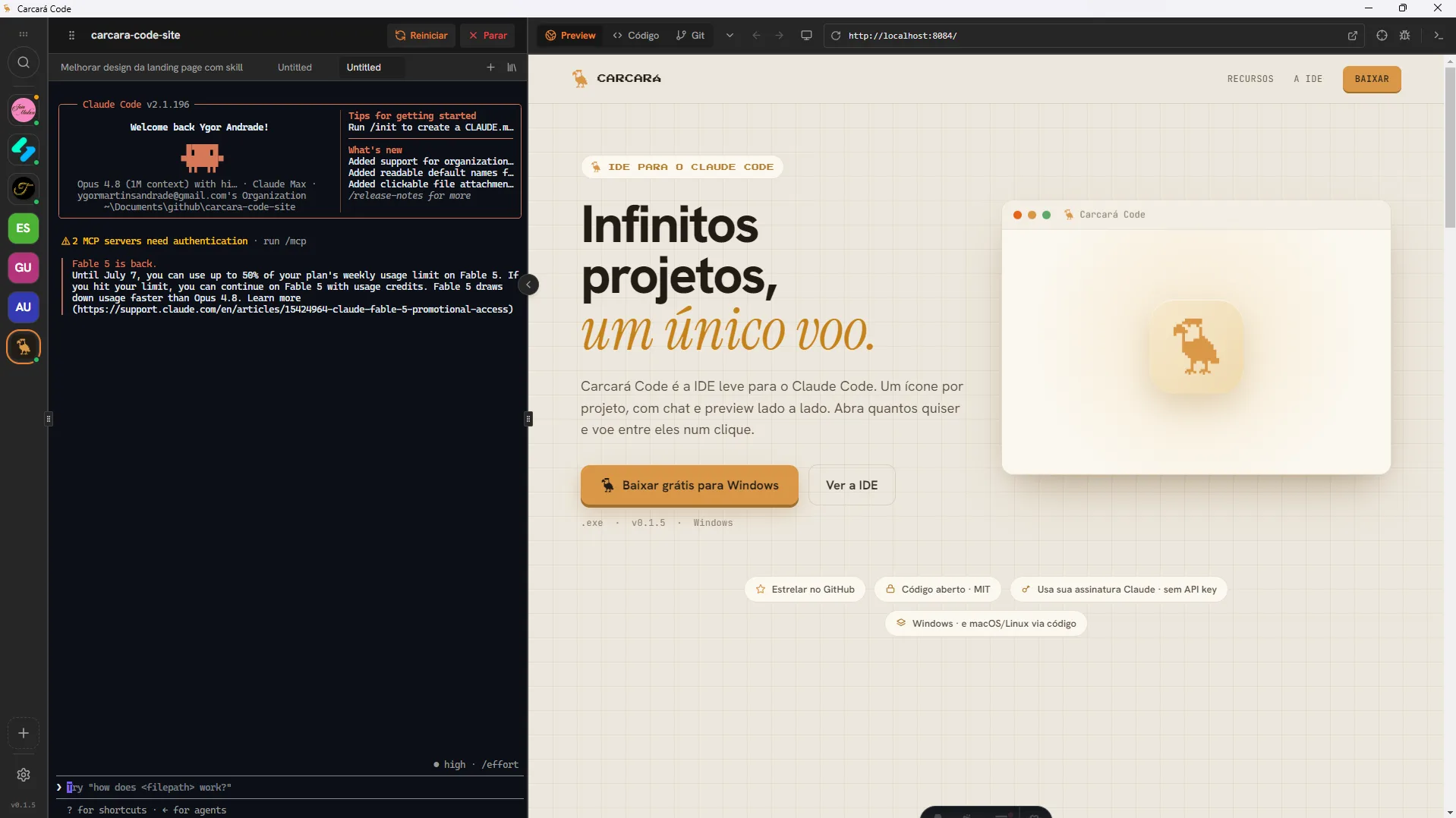
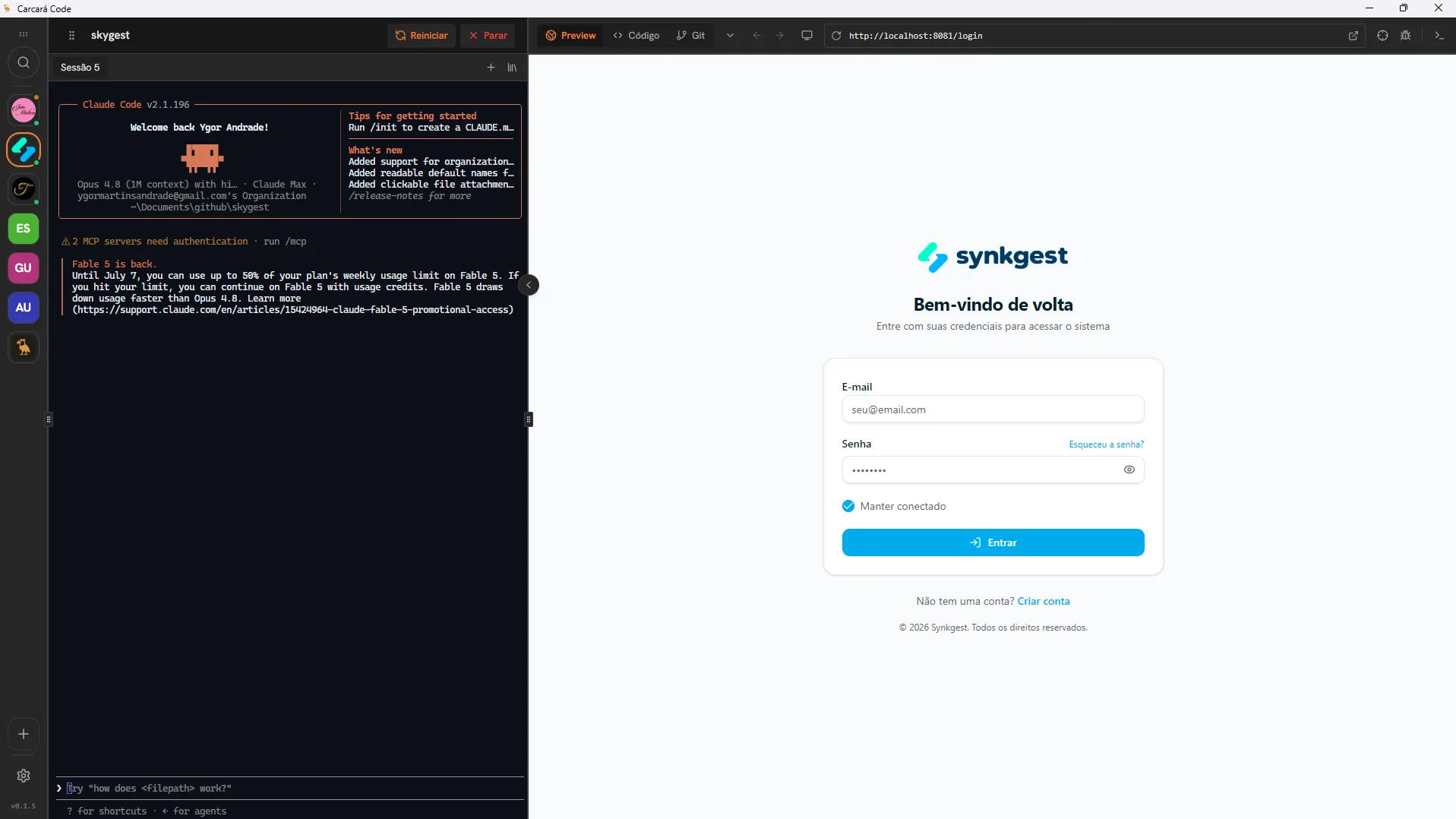
Carcará Code is the IDE and project multiplexer for your coding AI. One icon per project, with chat and live preview side by side. Open as many as you want and fly between them in one click.
One feature at a time, swipe across and see the Carcará from the inside.
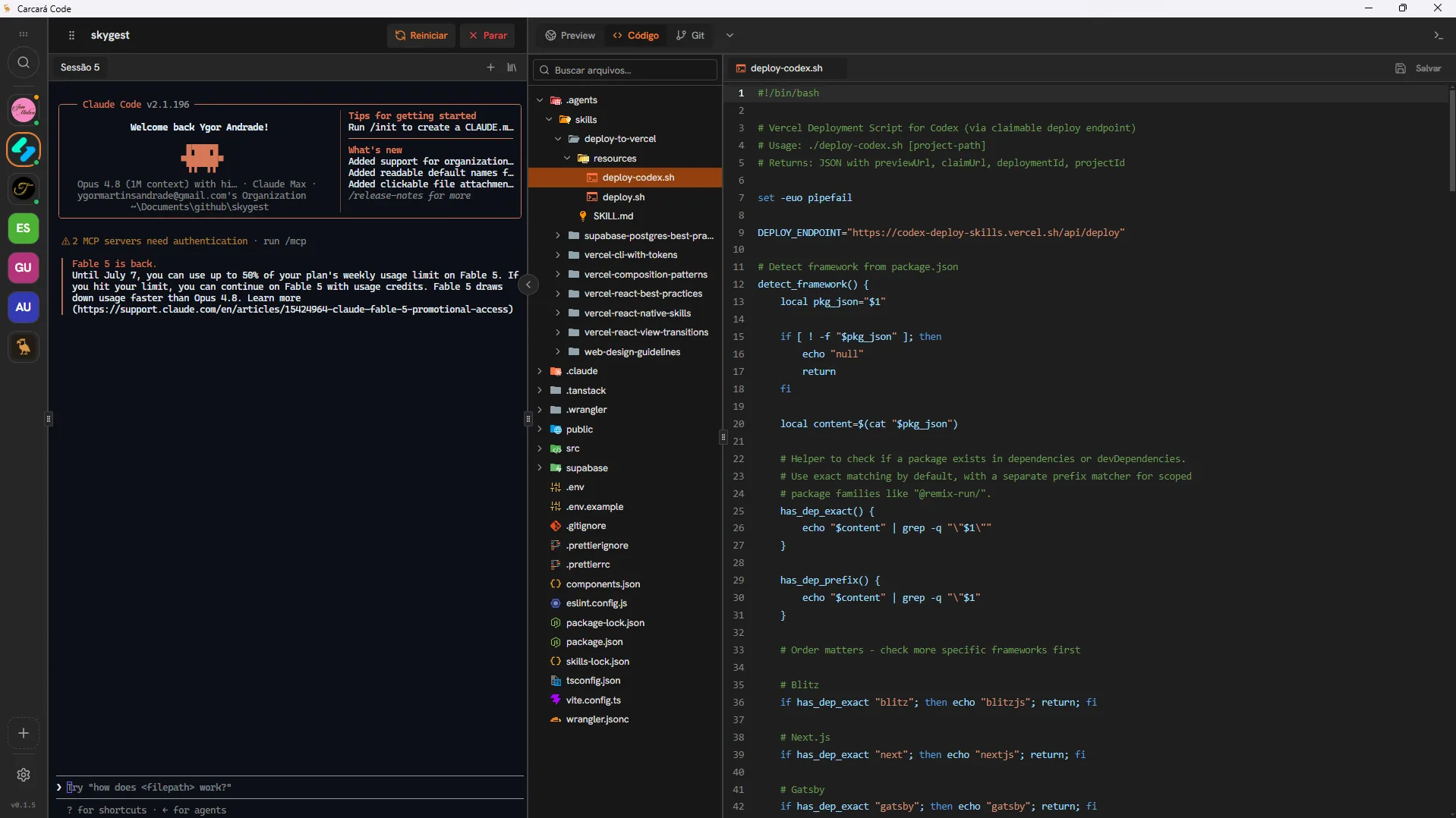
It is not a single-project editor. Carcará is a multiplexer: each project stays alive in its own space, with chat and preview, and you jump from one to another in one click, without losing your place.
React, Astro, Next.js, PHP and whatever else you use. Carcará does not care about the stack: if it runs on your machine, it runs here. Connect as many projects as you want, from any technology, each in its own space with chat and preview.
No more describing where the button is. Turn on the selector, click the element right in the preview and it drops into the chat as a reference, code included. You talk, Carcará changes it.
Turn on the selector and click any part of the site in the preview. No file hunting, no inspecting code by hand.
The chosen element enters the conversation as a reference. The AI knows exactly what you are talking about.
The snippet of that element goes along with the reference, so the change lands right the first time.
Already paying for a coding AI like Claude? Then you can use it in Carcará Code at no extra cost. It talks straight to your subscription, no API key and no per-token cost on every message. What you already have, working inside your IDE.
The same work, without the usual friction.
Grab the project, solve it and ship.
The carcará is fast, clever and fearless. It never depends on a single prey and never comes up empty. Your IDE should be the same: light, bold, and with all your projects one click away.
Free and open source. In three honest steps.
Install Node.js and log into Claude Code once. It is the engine Carcará runs on underneath.
$ npm i -g @anthropic-ai/claude-code $ claude login ✓ connected, all set Run the Windows installer. The first time, Windows may say it "protected your PC": click More info › Run anyway (the app is not signed yet).
Open Carcará, choose the folder with your projects and let the bird loose. Each subfolder becomes an icon in the rail.
All your projects in one rail, each with chat and live preview. The way it should be.
No. It is fully free and open source (MIT license). Use it, audit it and modify it freely, no plan, no subscription, no catch.
Yes, it is built for Claude Code, that is the default option. Best of all: it uses your Claude subscription, no API key required.
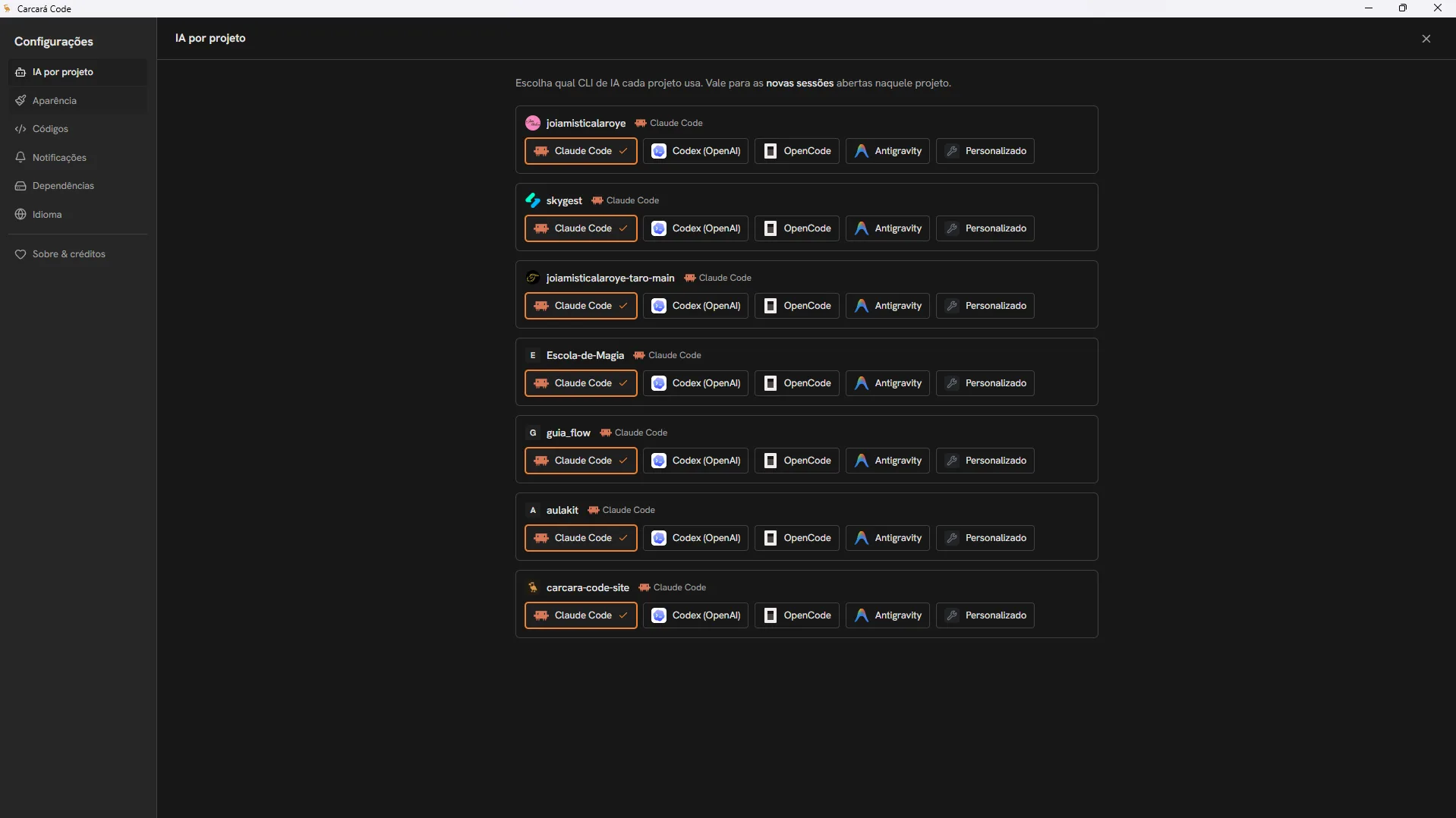
It does. Beyond Claude Code, you choose per project between OpenCode, Codex (ChatGPT/OpenAI), Antigravity (Google) or even a CLI command of your own. You just need the AI CLI installed.
No. Carcará Code is the IDE itself, a lean desktop app you open and start working in right away. No installing a plugin inside another editor.
Exactly. Think of a visual multiplexer for your projects: instead of terminals side by side (like tmux), Carcará keeps several projects running at the same time, each with its AI, its chat and its live preview, and you switch between them in one click. Free, open source and with a Windows installer.
No. If you can describe what you want, Carcará makes it happen. You talk, it handles the code and you see the result on screen. No terminal, no memorized commands.
There is a ready installer for Windows. On macOS and Linux you can run it from source, it is an Electron app, so it works on all three.
It is. The code is open, so you can audit everything. It is an independent project, built with care, with no server in the middle: the conversation runs straight on your machine with your AI.
Node.js and Claude Code (logged in). Git is recommended. Then just point it at your projects folder and let the carcará loose.
Free, open source and for Windows or Linux. Bring your projects and fly.