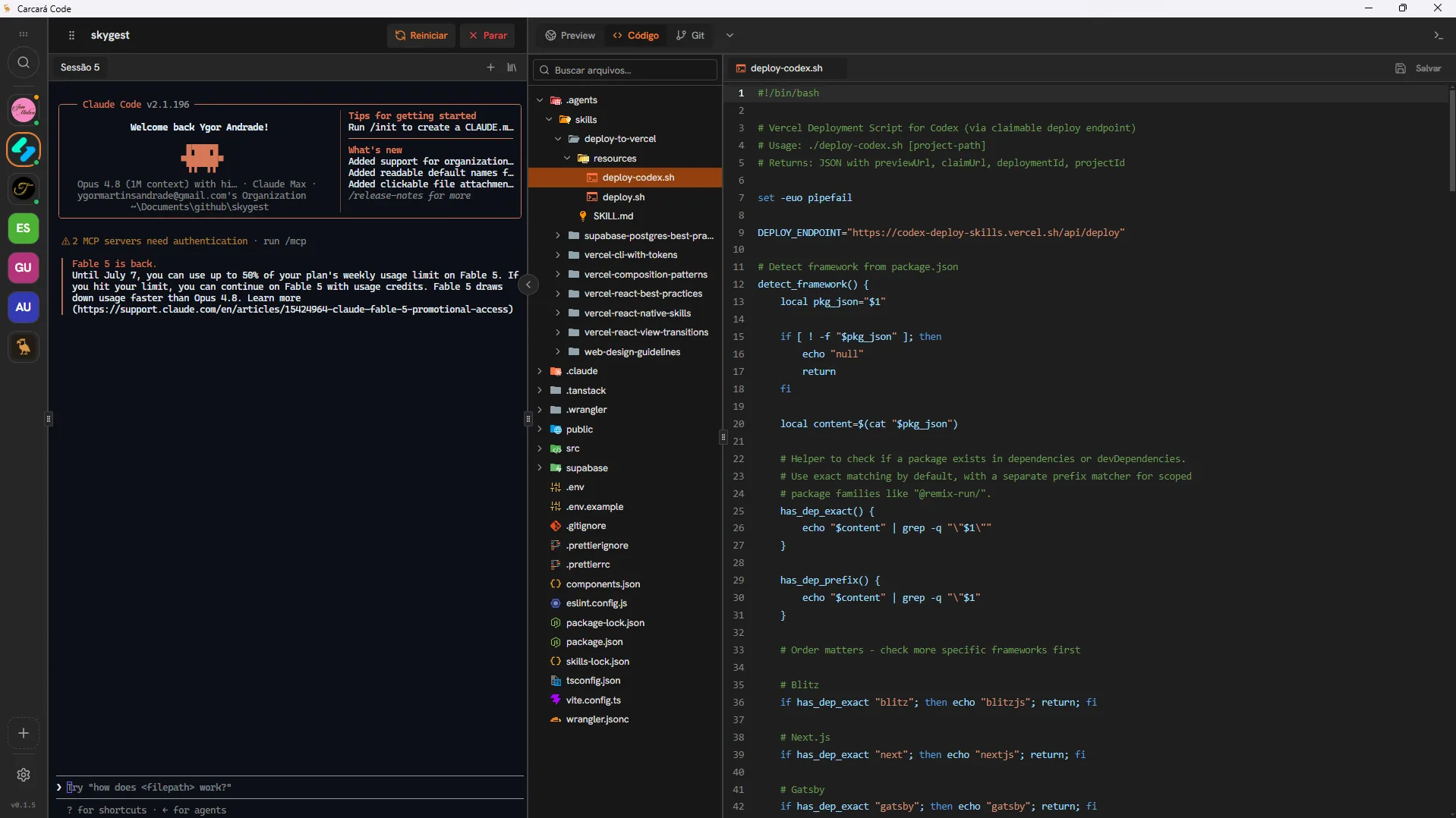
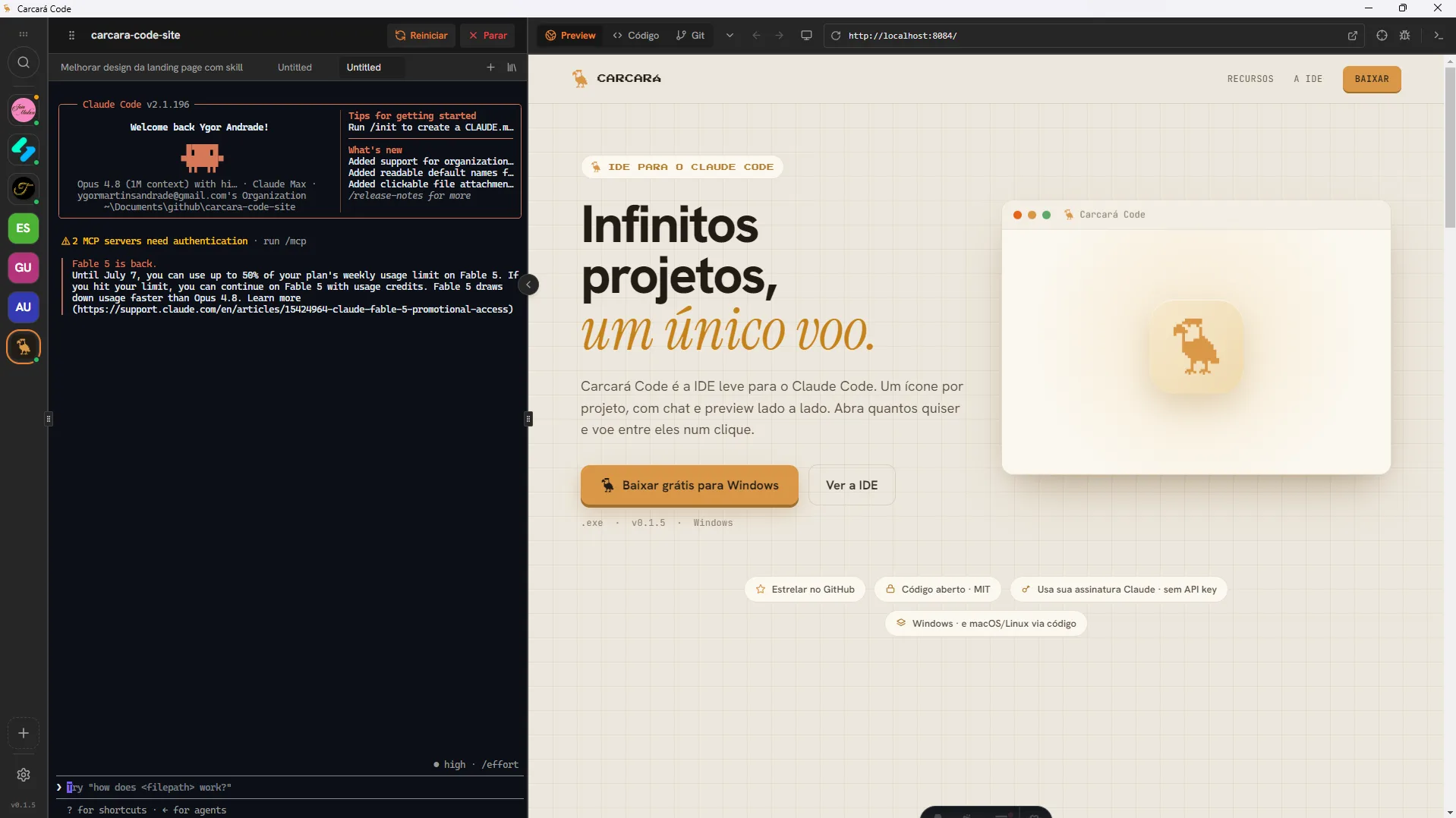
Carcará Code 是为你的编程 AI 打造的 IDE 与项目多路复用器。每个项目一个图标,聊天与实时预览并排显示。想开多少开多少,一键在它们之间穿梭。
Real people, on production projects, telling how it actually feels.
Carcará Code was a turning point for me. I started using it on a side project, and when I saw the giant Antigravity going down every day, I gave it a shot, best thing I did. I use it for everything now: production, side projects, all of it. It has NEVER crashed, runs smooth, I am even tweaking it to fit my own taste and it stays rock solid. What a project!!!
Rony Simão Carcará Code became my favorite IDE. I switch between projects at an absurd speed and still run any AI in each one at the same time. I subscribe to Claude and Codex, put each in its own tab on a different task, and watch both working in real time. That convenience changes your day to day. And for me it is an honor to be one of the project contributors.
Manoel Neto My whole idea of an IDE changed when I found Carcará Code! It brings together the best of every world. None of the clutter and excess of VS Code, all the convenience of tools like Lovable, but in Carcará Code I use my own subscription! Actually, my subscriptions... I have Gemini at home for personal projects, Codex at work for work projects, and it handles each one flawlessly! Excellent tool, it is with me on every project now, with great features for testing MCP and APIs, a Kanban for organization... Highly recommend!
José Neto 一次一个功能,横向滑动,从里到外看清 Carcará。
它不是只能开一个项目的编辑器。Carcará 是多路复用器:每个项目都在自己的空间里保持存活,带聊天和预览,你一键在它们之间跳转,绝不丢失进度。
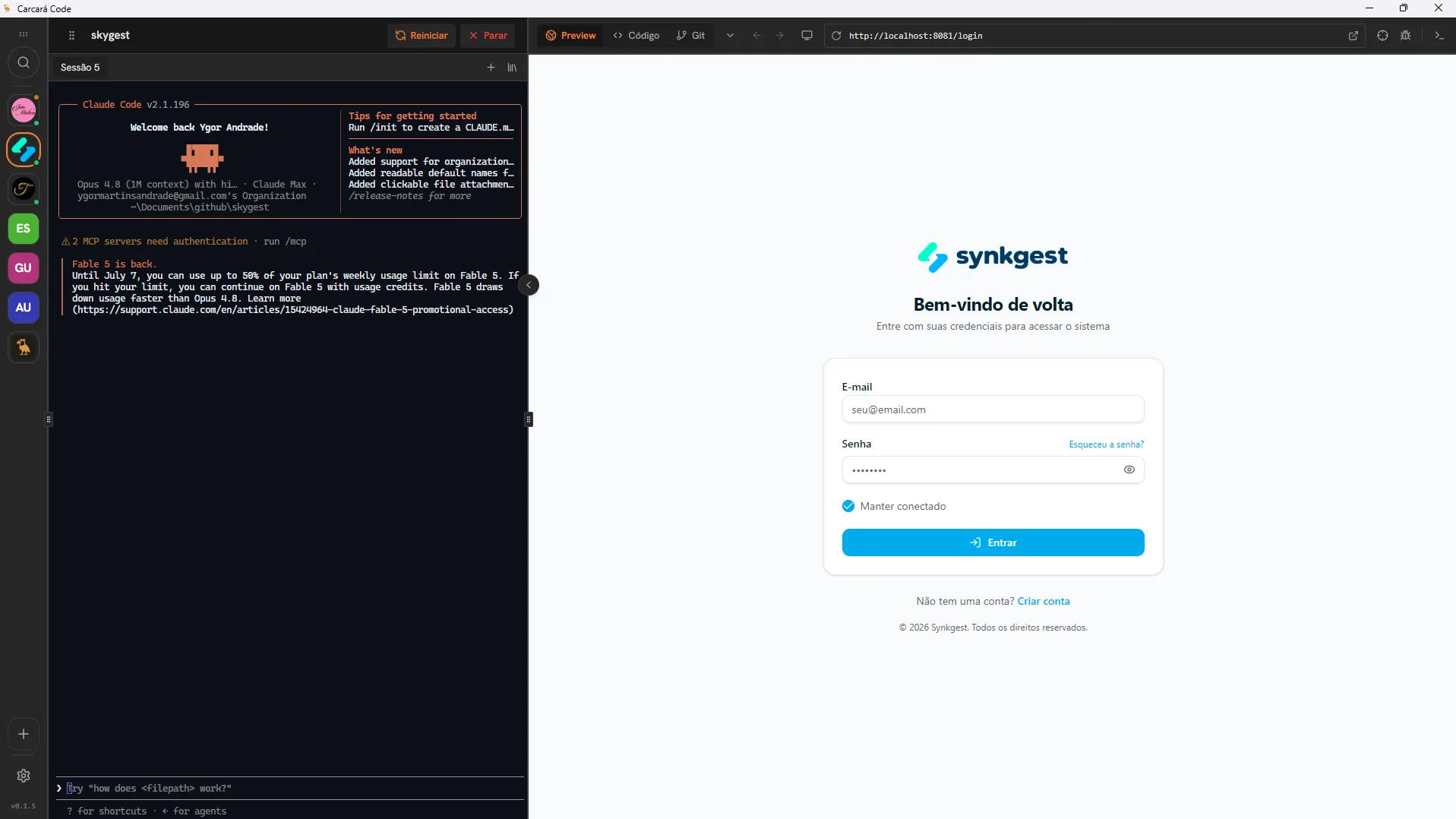
React、Astro、Next.js、PHP,还有你用的其他一切。Carcará 不挑技术栈:能在你机器上跑,就能在这里跑。想接多少项目就接多少,任何技术都行,每个都有自己的空间、聊天和预览。
再也不用费劲描述按钮在哪。打开选择器,直接在预览里点那个元素,它就会连同代码一起作为引用落进聊天。你开口说,Carcará 动手改。
打开选择器,在预览里点网站的任意部分。不用翻文件,也不用手动查代码。
选中的元素会作为引用进入对话。AI 清楚知道你说的到底是哪里。
那个元素的代码片段会随引用一起附上,改动一次到位。
已经在为 Claude 这类编程 AI 付费了?那你就能在 Carcará Code 里直接用它,不花一分额外费用。它直接对接你的订阅,无需 API key,每条消息也不按 token 计费。你已有的东西,就在你的 IDE 里运转。
同样的活儿,没有那些惯常的麻烦。
免费又开源。三步,实实在在。
安装 Node.js,并登录一次 Claude Code。它是 Carcará 底层运转的引擎。
$ npm i -g @anthropic-ai/claude-code $ claude login ✓ 已连接,一切就绪 运行 Windows 安装程序。首次运行时 Windows 可能提示已「保护你的电脑」:点击 更多信息 › 仍要运行(应用暂未签名)。
打开 Carcará,选择放项目的文件夹,然后放这只鹰飞出去。每个子文件夹都会变成侧栏里的一个图标。
所有项目集中在一条侧栏里,各自带聊天和实时预览。本该如此。
The start skill asks up to 3 simple questions and scaffolds your project with the right stack already set up. You describe what you want, it decides the rest. No picking a framework by hand.
See how to start a project不收费。它完全免费且开源(MIT 许可证)。随意使用、审查、修改,没有套餐、没有订阅、没有套路。
能,它就是为 Claude Code 打造的,这也是默认选项。最棒的是:它用你的 Claude 订阅,无需 API key。
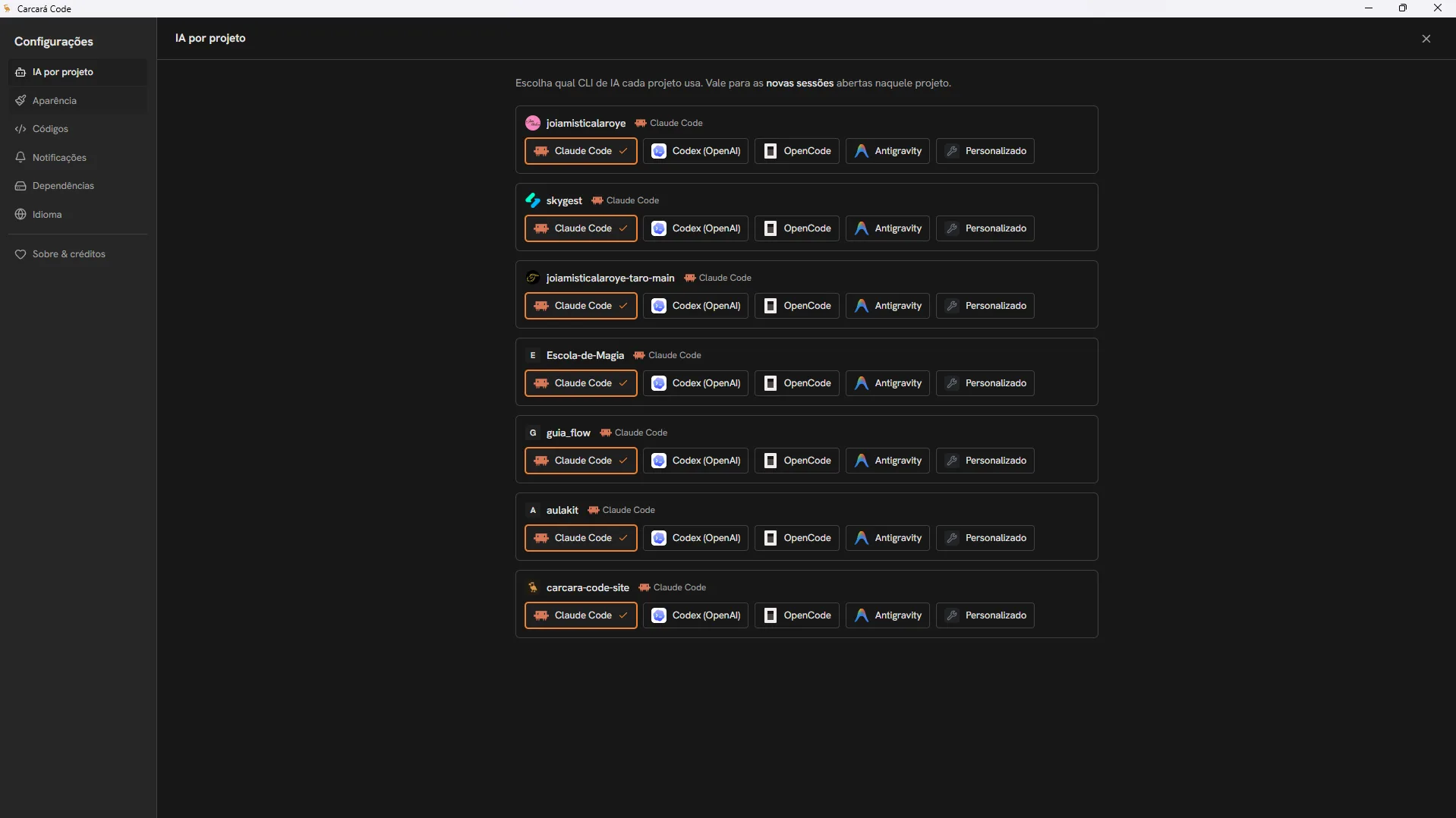
支持。除了 Claude Code,你还能按项目在 OpenCode、Codex(ChatGPT/OpenAI)、Antigravity(Google),甚至你自己的 CLI 命令之间选择。只需装好对应 AI 的 CLI 即可。
不是。Carcará Code 本身就是 IDE,一款精简的桌面应用,打开即用。无需在别的编辑器里装插件。
没错。可以把它想成项目的可视化多路复用器:不是把一个个终端并排放(像 tmux 那样),而是让多个项目同时运行,每个都带自己的 AI、聊天和实时预览,你一键在它们之间切换。免费、开源,还带 Windows 安装程序。
不需要。只要你能说清想要什么,Carcará 就能实现。你开口说,它搞定代码,你在屏幕上看结果。不用终端,也不用记命令。
Windows 有现成的安装程序。macOS 和 Linux 可以源码运行,它是一款 Electron 应用,所以三大系统都能跑。
安全。代码是开放的,你可以审查一切。这是一个用心打造的独立项目,中间没有服务器:对话直接在你的机器上、用你的 AI 进行。
Node.js 和 Claude Code(已登录)。建议装上 Git。然后把它指向你的项目文件夹,放卡拉卡拉鹰飞出去就行。
免费、开源,支持 Windows 或 Linux。带上你的项目,起飞吧。